
Before pairing the remote, please note that the delay time between buttons is 6 seconds. If there is no input within 6 seconds the remote will exit the current setting procedure.
The motor will jog and beep as a hint. Continue programming after the hint.
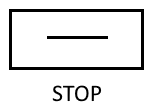
Apply power to the motor (1 jog and 1 long beep), within 6 seconds, press STOP for 2 seconds (2 jogs and 3 beeps), the motor has been paired successfully.
If the UP button is pressed, but the screen goes down, you will need to complete this step.

Press and hold the UP and DOWN buttons simultaneously for 2 seconds. Motor will jog once and rotation will be switched successfully.
(Please note – if changing the rotating direction, it must been completed at step 2)

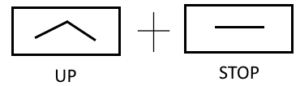

Move the blind down to the
desired lower limit.

Press and hold DOWN and STOP simultaneously for 2 seconds
(2 jogs, 3 beeps) Lower limit is set.
Press and hold UP and STOP simultaneously for 5 seconds
(1 jog, 1 long beep)
Repeat step 3
Press and hold DOWN and STOP simultaneously for 5 seconds
(1 jog, 1 long beep)
Repeat step 3